Optimize Inventory with Business Central and Copilot
Business Central
November 24, 2026
Inventory optimization is critical for profitability and customer satisfaction.
Naviona helps organizations achieve this by leveraging Microsoft Dynamics 365 Business Central, Copilot AI capabilities, and proprietary Naviona extensions to streamline replenishment, forecasting, and decision-making.
Why Inventory Optimization Matters
Cash & Carrying Costs: Excess stock ties up working capital and increases risk.
Service Levels: Stockouts damage trust and drive expediting costs.
Speed of Decisions: Copilot introduces conversational insights and AI-assisted actions.
Our Approach
Naviona combines Business Central configuration, Copilot enablement, and three extensions:
Naviona Copilot Inventory Queries Extension: Adds ready-to-use Copilot prompts for inventory analysis, such as “Show items where safety stock will be breached in the next 14 days” or “List SKUs with lead time > 20 days and negative demand trend.”
Naviona Planning Parameter Worksheet Extension: Provides a centralized worksheet for bulk updates of planning parameters (Reorder Point, Safety Stock, Time Bucket, etc.) with validation rules and anomaly flags.
Naviona Demand Forecasting: Generates demand forecasts for items based on history and AI.
Activate AI Forecasting and Copilot with Naviona Extensions
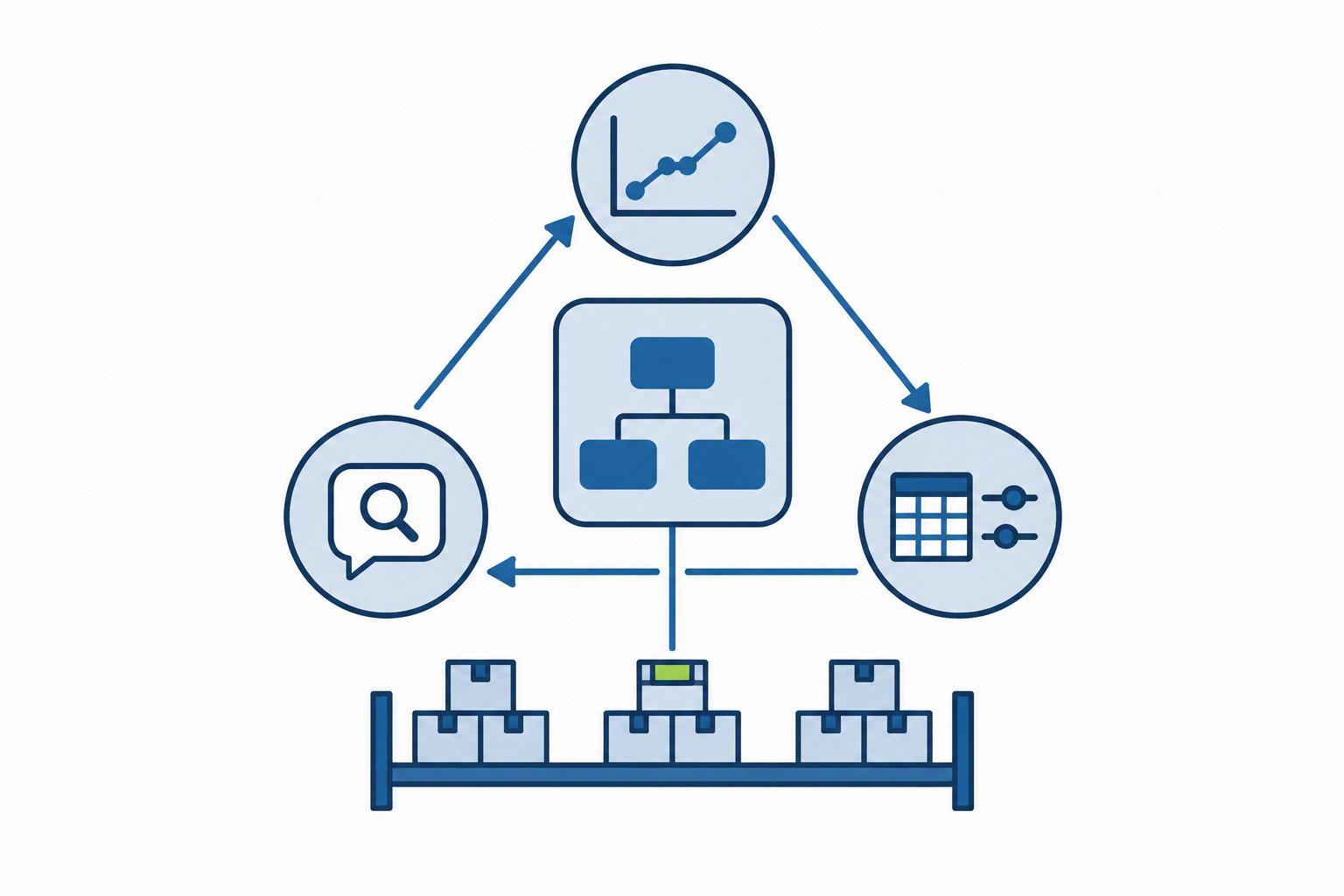
Naviona layers its extensions on top of native Business Central forecasting:
Sales and Inventory Forecast extension: Business Central predicts demand and flags shortages.
Planning Parameter Worksheet: Tunes safety stock and reorder points in bulk for high-risk items.
Copilot Inventory Queries: Scans for exceptions and variance using conversational prompts.
Practical Examples
Example A: Stabilize C-Class Fast-Movers
Apply Fixed Reorder Qty. and adjust Order Multiples.
Run Naviona Copilot Inventory Queries for safety stock breaches.
Update parameters via the Planning Parameter Worksheet.
Example B: Lot-for-Lot for Shared Components
Switch to Lot-for-Lot and configure dampener periods.
Use AI forecasting and validate parameters in the worksheet.
Example C: Conversational Risk Scan
Run a morning prompt via Copilot Inventory Queries: “Summarize items with forecasted demand exceeding on-hand + inbound within 45 days.”
Correct parameters in bulk using the worksheet.
Implementation Playbook
Discovery & Data Hygiene: Validate item/SKU completeness.
Policy Design: Map policies to ABC classes.
Parameter Tuning: Use the Planning Parameter Worksheet for bulk updates.
Enable Forecasting & Copilot: Activate AI forecasting and Naviona extensions.
Pilot & Measure: Compare proposals and outcomes; refine parameters.
Copilot Prompt Playbook
Risk Check: “Which items will breach safety stock in the next 30 days at Location MAIN?”
Variance Scan: “List items where AI forecast deviates > 20% from manual forecast.”
Policy Audit: “Show items with Fixed Reorder Qty. where Order Multiple doesn’t match supplier pack size.”
FAQs
How do these Naviona extensions fit into Business Central and Copilot?
They complement native Business Central planning and Copilot features by standardizing prompts and enabling validated bulk updates.
Conclusion
Inventory optimization isn’t a single switch—it’s a system. Naviona orchestrates Business Central, Copilot, and proprietary extensions to reduce costs, prevent stockouts, and accelerate decisions.
Ready to improve visibility,
reduce operational complexity and build a stronger foundation for growth?
Whether you’re evaluating a new ERP platform, planning an upgrade, or improving your manufacturing operations, a Manufacturing Strategy Session can help identify opportunities to improve visibility, operational performance, and determine the right path forward.