



Business Central

Article & Insights

In today’s fast-paced business world, seamless communication and efficient data management are essential for success. Microsoft Dynamics 365 Business Central has emerged as a powerful tool to manage financials, supply chain, and operations. However, for businesses to truly thrive, integration with collaboration tools like Microsoft Teams is crucial.
Business Central and Teams integration bridges the gap between your ERP system and team communication, offering a wide array of benefits for organizations of all sizes.
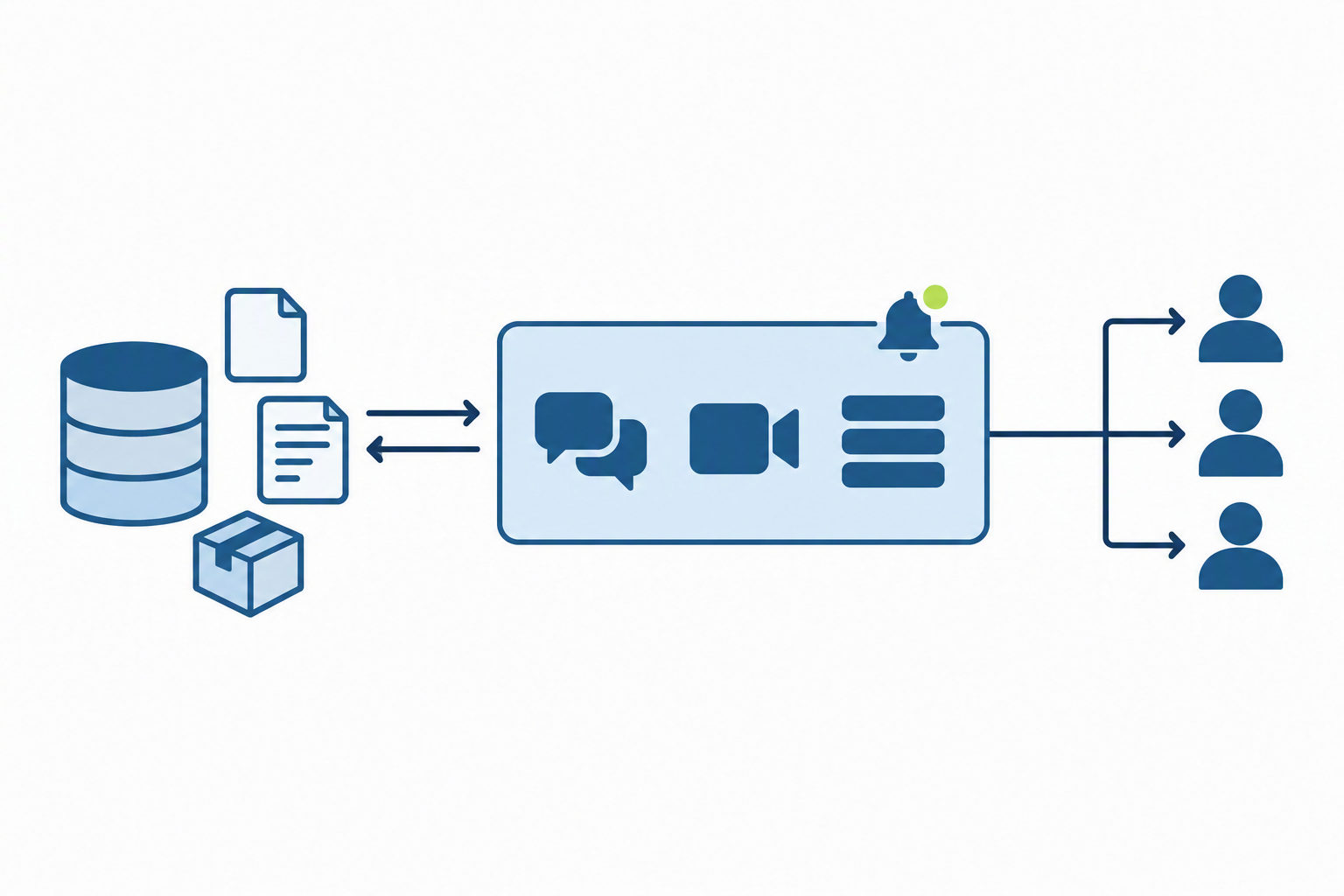
Integration with Teams enables real-time collaboration on important business data. Teams chats, meetings, and channels become the central hub for discussing projects, sharing documents, and making informed decisions.
Say goodbye to the hassle of switching between applications. With integration, you can access Business Central data directly within Teams, streamlining workflows and reducing time spent navigating between systems.
Team members can access relevant customer and product information, purchase orders, and invoices without leaving the Teams environment. This instant access to data ensures everyone is on the same page.
Stay informed with notifications and alerts directly within Teams. Receive updates on inventory levels, sales orders, or financial reports, allowing for quicker response times and proactive decision-making.

Easily share reports, invoices, and other documents from Business Central within Teams channels. This simplifies document management and ensures all team members have access to the latest information.
Integration can improve customer service by providing support agents with quick access to customer data. This allows for faster issue resolution and better customer experiences.
Rest assured that your data is secure. Microsoft’s robust security measures ensure that sensitive information remains protected, even when accessed through Teams.
Whether you’re a small business or a large enterprise, Business Central and Teams integration can scale to meet your needs. As your business grows, this integration can adapt and evolve with you.
With Power Automate, you can create custom workflows that automate repetitive tasks, reducing manual data entry and minimizing errors.
Real-time access to Business Central data in Teams empowers decision-makers with accurate and up-to-date information, enabling them to make informed choices that drive the business forward.
Integrating Microsoft Dynamics 365 Business Central with Microsoft Teams is a game-changer for businesses aiming to enhance collaboration, streamline operations, and drive productivity. This powerful combination not only improves efficiency but also supports informed decision-making, ultimately helping your organization stay competitive in today’s dynamic business landscape. Embrace the future of integrated business solutions and unlock the full potential of your team and your ERP system. Let Naviona assist you!




Whether you’re evaluating a new ERP platform, planning an upgrade, or improving your manufacturing operations, a Manufacturing Strategy Session can help identify opportunities to improve visibility, operational performance, and determine the right path forward.