



ERP Strategy

Article & Insights

In today’s rapidly evolving business landscape, data is the new currency. Companies generate vast amounts of data daily, and harnessing this information for informed decision-making is crucial.
Integrating Microsoft Dynamics 365 Business Central with Power BI creates a game-changing synergy, helping businesses unlock the full potential of their data.
Integrating Business Central and Power BI creates a seamless data flow. Business Central serves as the hub for financial, sales, inventory, and operational data. Power BI, a powerful business analytics tool, extracts this data and transforms it into visually appealing reports and dashboards. This streamlined process eliminates manual data entry, reducing errors and saving valuable time.
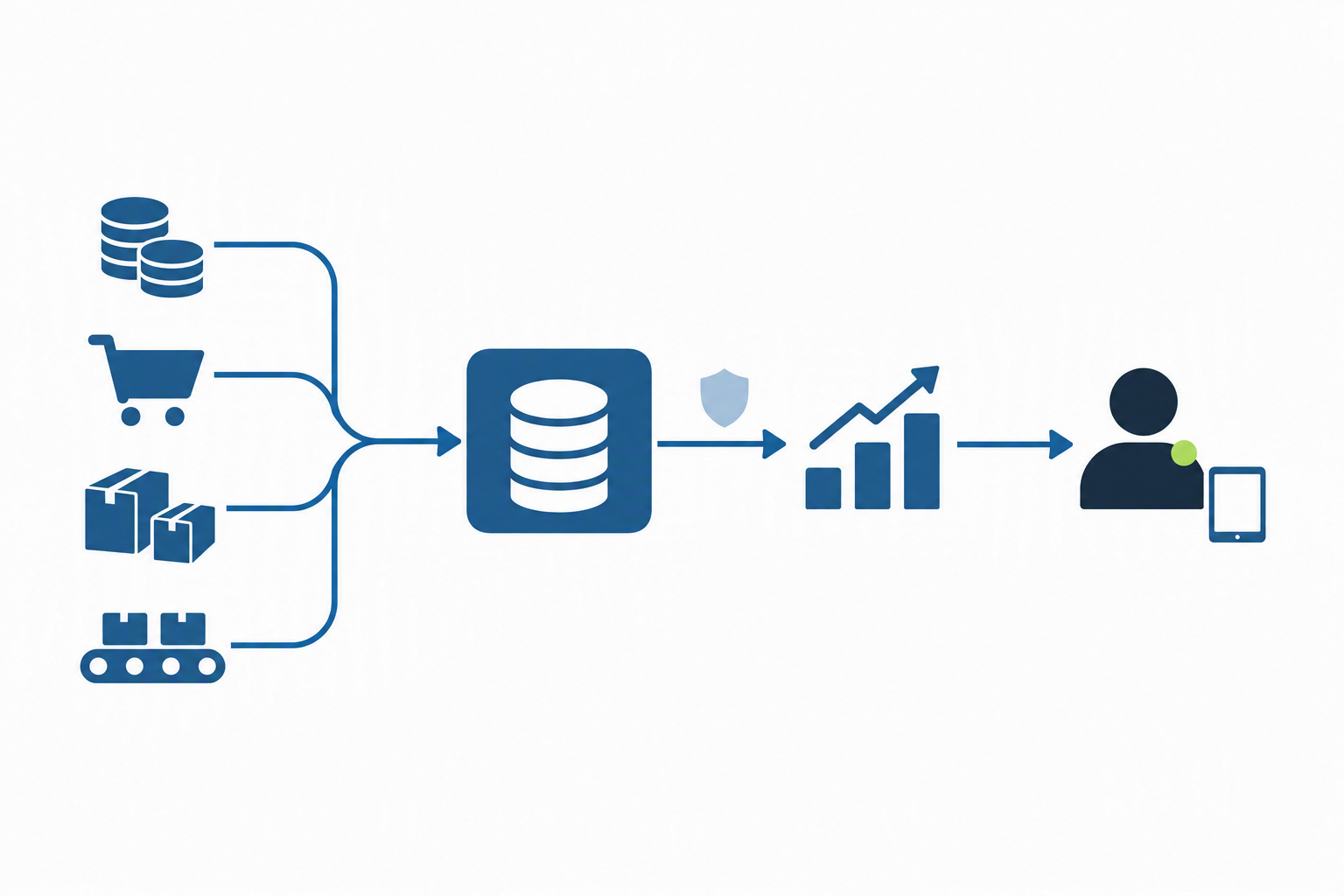
One of the most significant advantages of this integration is real-time data accessibility. Power BI pulls data from Business Central in real time, ensuring that decision-makers are always working with the latest information. This real-time insight empowers businesses to respond swiftly to market changes, emerging trends, and customer demands.
Power BI offers a wide range of visualization options, allowing users to create customized dashboards that align with their specific needs. Whether it’s tracking sales performance, monitoring inventory levels, or analyzing financial data, Power BI provides the tools to design dashboards that deliver actionable insights.

Power BI’s capabilities extend beyond traditional reporting. It leverages machine learning and AI algorithms to enable predictive analytics. By analyzing historical data from Business Central, Power BI can forecast trends, identify potential risks, and recommend strategies to mitigate them. This predictive power enhances decision-making and strategic planning.
With sensitive business data being shared between platforms, security is paramount. Microsoft provides robust security measures and compliance standards in both Business Central and Power BI. Role-based access control ensures that only authorized personnel can access sensitive data, and data encryption safeguards information in transit and at rest.
As businesses grow, so does their data. The integration of Business Central and Power BI is scalable, accommodating data growth effortlessly. Whether you’re a small startup or a large enterprise, this integration can adapt to your evolving data needs.
In a world where business happens on the go, the combination of Business Central and Power BI offers mobile accessibility. Decision-makers can access critical insights and reports from their smartphones or tablets, enabling them to stay informed and make data-driven decisions anytime, anywhere.
Integration reduces the need to invest in separate data extraction and reporting tools. By using Microsoft’s ecosystem, businesses can optimize their software expenditures while benefiting from a unified solution.
Integrating Microsoft Dynamics 365 Business Central with Power BI is a strategic move for businesses aiming to harness the full potential of their data. This powerful combination offers real-time insights, customizable dashboards, predictive analytics, security, scalability, and mobile accessibility, all while optimizing costs. By leveraging this synergy, companies can navigate the complexities of today’s business environment with confidence, agility, and data-driven precision.




Whether you’re evaluating a new ERP platform, planning an upgrade, or improving your manufacturing operations, a Manufacturing Strategy Session can help identify opportunities to improve visibility, operational performance, and determine the right path forward.